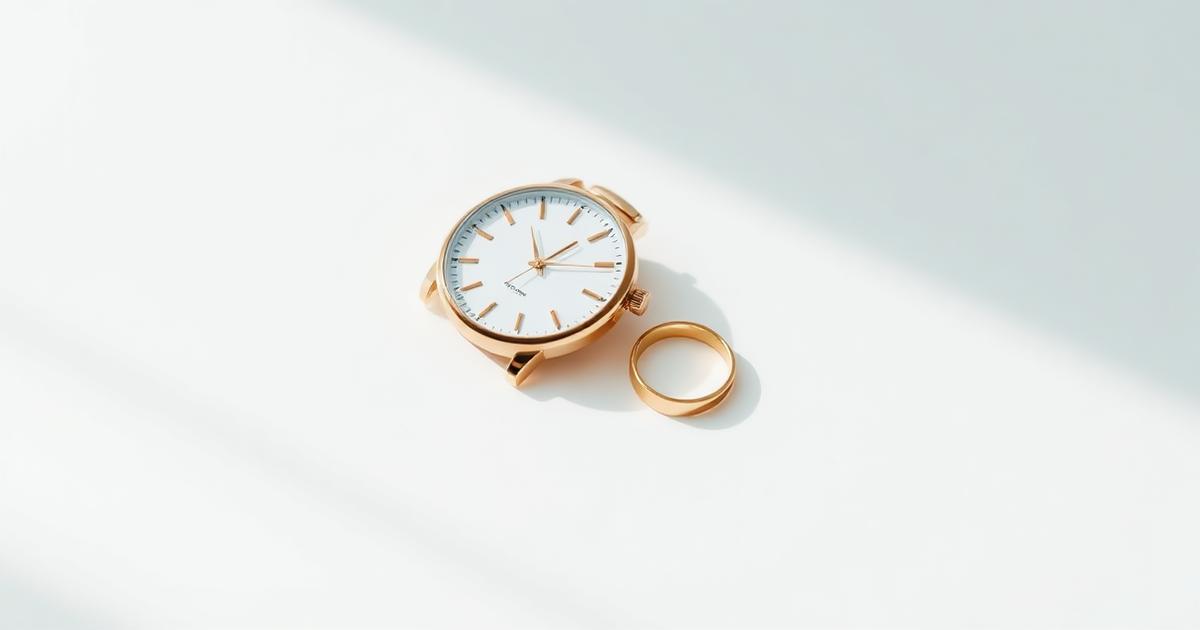
The problem isn't the piece, it's the reflection
Jewelry and watches are the hardest category in product photography, because their surface is a tiny mirror that reflects the whole room: your hand, the phone, the wall color, and the overhead light source. The result is a photo with confusing dark spots and blurred reflections that make the piece lose its value. The solution isn't more light, it's controlling what gets reflected.
Preparing the original photo
- Clean the piece with a microfiber cloth; a single fingerprint shows up magnified in the final image.
- Mount the phone on a stand or a solid surface — shake kills the details of gemstones.
- Use indirect window light instead of flash; flash creates a burnt white spot.
- Place a white sheet on the side opposite the light to fill in shadows and soften the reflection.
- Shoot several angles: front-on, 45-degree side, and a close detail shot of the engraving or clasp.
What does AI generation add here?
After you have a clear photo of the real piece, generation takes care of rebuilding the scene: a clean studio background, a marble surface, or dark velvet, side lighting that brings out the facets, and a subtle reflection beneath the piece that gives it a sense of weight. This is the part that usually takes hours in a real studio with reflective equipment.
Patterns that work for each type
- Watches: a shiny dark surface with a vertical reflection, and an angle that shows the strap and the dial together.
- Rings: a very close shot with shallow depth of field, with a narrow light that ignites the stone.
- Chains and bracelets: a velvet surface that prevents slipping and absorbs excess reflection.
- Gold: tilt the lighting toward warmth; cool lighting makes it look coppery.
Acceptance criteria before publishing
- The metal color matches the real piece (yellow, white, rose) without any shift.
- No areas are completely blown out with no detail inside the shine.
- The gemstones show clear facets, not a single white blob.
- The shadow and reflection are consistent with a single lighting direction.
- The size and format match your store's requirements — check the store product image specs guide.
Start with one piece
Try it first on the most expensive piece in your store: it deserves the best photo, and it's also the best test of result quality. If it works with shiny metal, it will work with the rest of the categories.
Frequently asked questions
Why do jewelry photos look dull even though the piece is high quality?
Because metal has no color of its own — it reflects what's around it. If the shooting environment is dull gray, that gray will reflect onto the piece. Metals need a wide light source and a nearby reflective surface to show their shine.
How do I show the details of small gemstones?
Shoot up close at the highest available resolution with full stabilization, then use narrow side lighting that brings out the facets. Direct front lighting flattens the stone and kills its sparkle.
Is a dark background better than white for jewelry?
A white background is required for the main store photo, while a dark one suits ad photos better because it increases contrast and highlights the shine. It's best to generate both versions for each piece.
Can AI be used without changing the shape of the piece?
Yes, if you start from a clear photo of the real piece and limit generation to the background, lighting, and reflection. Changing the number of stones or engravings violates advertising honesty and raises the return rate.